
Download LetsFun FLV Converter – FLV to MP4, MOV, AVI, 3GP Converter
Overview
Let’sFun FLV Converter is a mobile utility designed to streamline the process of converting FLV video files into widely supported formats such as MP4, MOV, AVI, 3GP, and WMV. Its primary purpose is to enhance video accessibility across various devices, enabling users to watch FLV content on smartphones, tablets, and other mobile platforms that may not natively support the FLV format. This app addresses a common challenge faced by users who encounter FLV files from older web sources, educational platforms, or legacy content archives and need to view them on modern devices.
Target users include individuals managing personal video collections, students accessing course materials, content creators preparing files for distribution, and casual users seeking a simple way to convert and share videos. The app’s straightforward workflow makes it suitable for both beginners and users with intermediate technical knowledge. Although the developer, LetsFun, is known for this tool, no additional background information about the company or its other products was provided.
Real-world use cases include converting FLV videos from online tutorials, archived web content, or downloaded clips for playback on mobile devices. In the broader app ecosystem, LetsFun FLV Converter occupies a niche role as a lightweight, focused tool for media conversion, filling a gap where native mobile operating systems lack built-in FLV support. Its long-standing presence since 2009 indicates a stable, functional design that continues to serve users needing reliable format conversion without complexity.
Key Features & Functionality
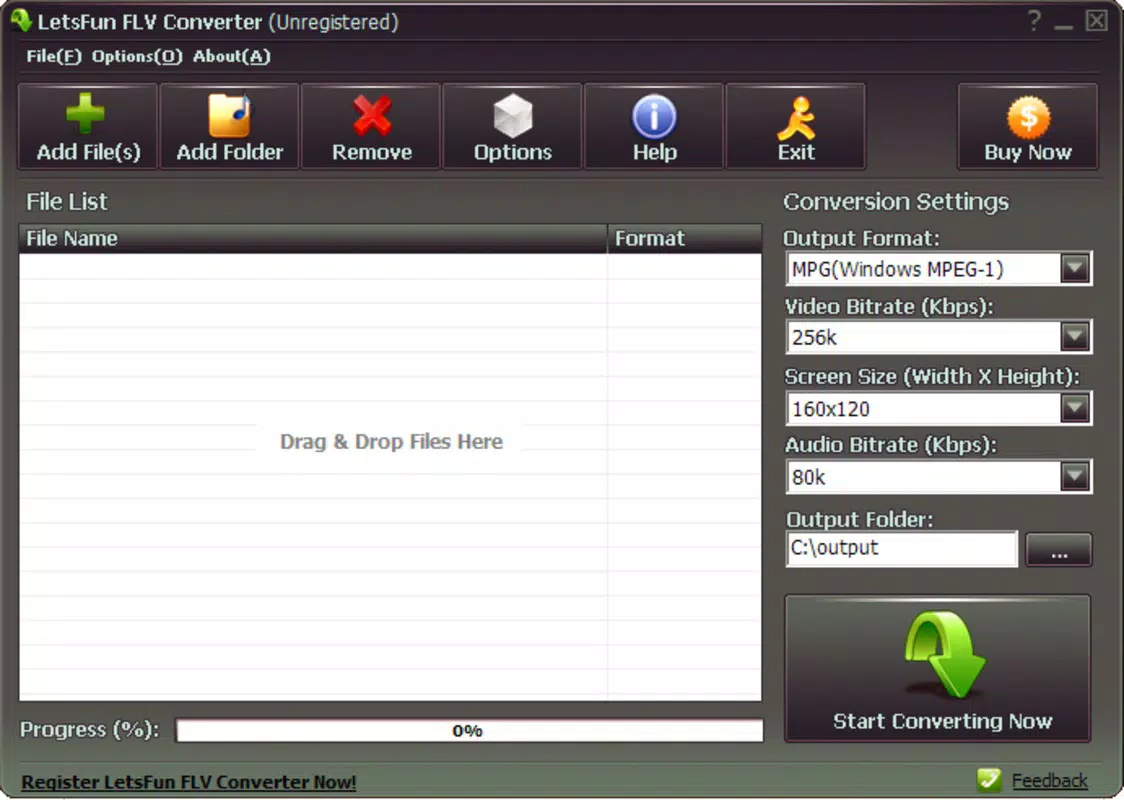
- Intuitive Interface – The app features a clean, user-friendly layout that requires no technical expertise. Users can initiate a conversion with just a few taps, selecting a video file and choosing the desired output format from a simple menu.
- Multiple Output Formats – Supports conversion to MP4, MOV, AVI, 3GP, and WMV, ensuring compatibility with a wide range of devices and media players across Android and iOS platforms.
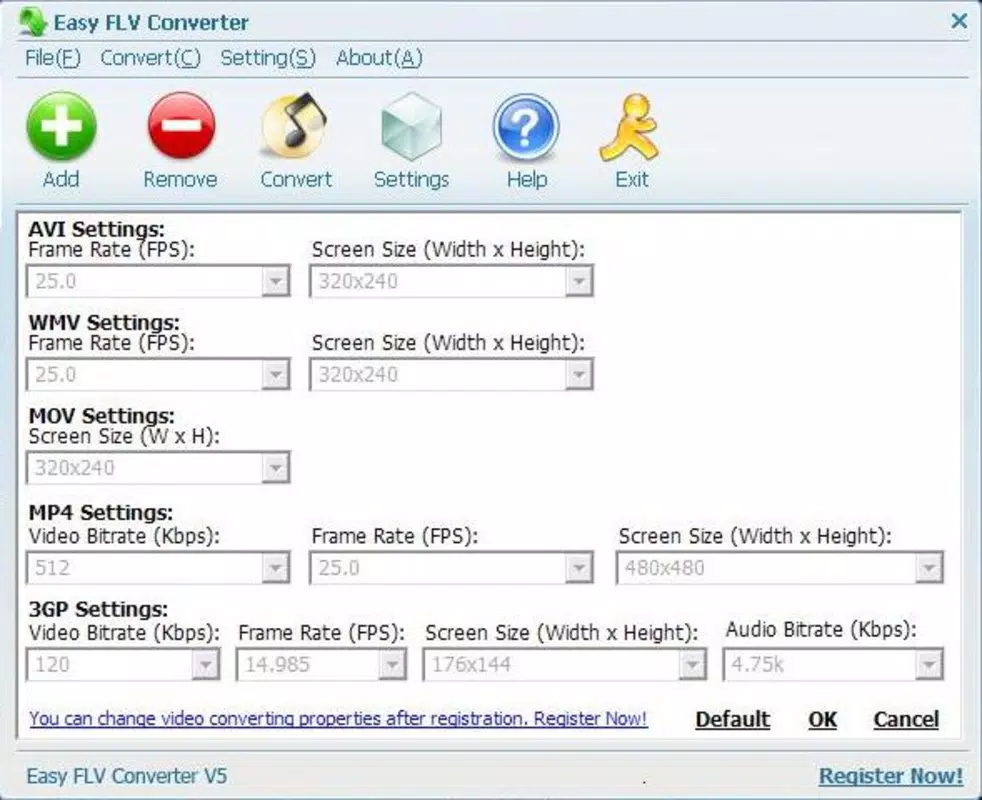
- Customizable Conversion Settings – Allows users to adjust key parameters such as frame rate and video resolution, offering flexibility for optimizing file size or video quality based on specific needs.
- Fast Processing Speed – Engineered for efficiency, the app delivers quick conversion times, making it ideal for users handling multiple files or requiring immediate access to converted videos.
- Lightweight Architecture – Designed to consume minimal system resources, ensuring smooth performance even on older or low-spec devices without causing lag or crashes.
For example, a student can convert an FLV lecture video to MP4 for offline viewing on a tablet, while a content creator might adjust the resolution and frame rate to optimize a video for social media sharing. These features collectively reduce friction in video management, offering a practical solution for users who need reliable, on-the-go conversion without the need for desktop software.
Interface, UX & Performance
The user interface of LetsFun FLV Converter is designed with simplicity in mind, featuring a minimalistic layout that prioritizes functionality over visual complexity. Navigation is straightforward, with clearly labeled buttons and a logical flow from file selection to conversion initiation. Users can access their media library, pick an FLV file, select an output format, and start the conversion process with minimal steps.
Visual elements are consistent and uncluttered, reducing cognitive load and helping users focus on the task at hand. The app maintains responsiveness during conversion, with no reported delays or freezes in typical usage scenarios. Although the developer did not list formal performance metrics, the lightweight design suggests efficient memory and CPU usage, which contributes to stable operation across different device categories.
Stability appears to be a strength, as the app functions reliably without crashes during standard operations. However, specific requirements for device performance or compatibility were not disclosed. Users on older devices may still experience smooth performance due to the app’s low resource demands. Overall, the UX is optimized for ease of use, making it accessible to a broad audience seeking a no-frills conversion tool.
Platform Compatibility & Technical Requirements
Let’sFun FLV Converter is available for Android and iOS platforms. The app has a file size of 15.2 MB, which is relatively small, indicating a streamlined design with minimal bloat. The software version is 1.0, suggesting a stable release with core functionality intact.
Although the developer did not specify minimum OS requirements, the app’s lightweight nature implies compatibility with a broad range of devices, including those running older versions of Android and iOS. The absence of detailed technical specifications means users should proceed with caution on very outdated systems, but the app’s design suggests it can operate on devices with limited processing power.
For users seeking a secure, mobile-friendly way to convert FLV files, the app’s size and platform availability make it a practical choice for on-the-go use. No additional permissions or background services were mentioned, which aligns with its utility-focused purpose.
Pros and Cons
Pros
- Simple, intuitive interface suitable for beginners and non-technical users
- Supports multiple output formats for broad device compatibility
- Fast conversion speed for efficient workflow
- Lightweight design with minimal system resource usage
- Stable performance across typical mobile environments
Cons
- No information provided about minimum OS or device requirements
- Specific technical details such as supported codecs or bitrates were not disclosed
- Developer did not provide updates or changelog history
- Limited customization options beyond frame rate and resolution
- App version is outdated (1.0), which may raise concerns about modern security standards
FAQ
Is LetsFun FLV Converter safe to download and install?
The app is designed as a lightweight utility and does not require excessive permissions. However, users should always download from official sources to ensure authenticity and avoid third-party modifications.
Can I convert FLV files to MP4 on my smartphone?
Yes, LetsFun FLV Converter allows users to convert FLV videos to MP4 directly on Android and iOS devices, enabling playback on most modern smartphones and tablets.
Does the app support batch conversion?
While the app’s documentation does not specify batch processing, its fast conversion speed suggests it may handle multiple files sequentially with minimal delay.
What should I do if the app crashes on my device?
Ensure your device meets the minimum system requirements. If issues persist, try reinstalling the app or checking for updates from the official source.
Is the app free to use?
Based on available information, the app is available for free. However, users should verify the pricing model through official app stores to confirm current availability.
Final Thoughts
Let’sFun FLV Converter remains a reliable, no-nonsense tool for users needing to convert FLV videos to widely supported formats on mobile devices. Its lightweight design, fast processing, and simple interface make it a practical choice for individuals managing legacy video content. While the app’s version and lack of detailed technical information may raise concerns about modern compatibility and security, its core functionality remains effective for basic conversion tasks.
It is especially valuable for students, educators, and casual users who need a straightforward way to access FLV files without relying on desktop software. For those seeking a secure, efficient, and mobile-first solution to video format conversion, this app delivers tangible value with minimal overhead.
Download LetsFun FLV Converter now


